


Guessing your progress at the gym is the fastest way to stall gains.
If you’re not writing down sets, reps, and weights, progressive overload becomes a guessing game instead of a plan.
These free tracking templates, Excel, Google Sheets, and PDF, give simple fields, auto-calculated weekly volume and estimated 1RM, plus notes for sleep and energy, so you can see real week-to-week progress.
Download one, start logging, and stop hoping extra work turns into extra strength.
Download Your Progressive Overload Templates (Excel, Google Sheets, PDF)

You need somewhere to write down every set, rep, and weight you lift. Without tracking, progressive overload turns into guessing. These templates give you fields for date, exercise, sets, reps, weight, rest time, estimated 1RM, and calculated training volume (sets × reps × weight).
Pick the format that fits how you work. They all have the same core setup: exercise log, weekly volume totals, and space for notes on sleep, stress, nutrition, and energy. But each has different strengths. Excel and Google Sheets auto-calculate your weekly volume and e1RM trends. PDF versions let you print and log with a pen at the rack.
The templates work with any progressive strength program. Running a full-body routine three days a week? Or a five-day upper-lower split? Same columns track your week-to-week increases in weight, reps, or sets.
Select your format:
- Excel Works offline. Formulas calculate total volume, weekly trends, and estimated 1RM. Good if you track on a laptop or want full control over your data.
- Google Sheets Cloud-synced across devices. Real-time collaboration if you work with a coach. Built-in charting. Best for mobile users who want automatic backups and easy sharing.
- PDF Print and fill by hand. No device needed in the gym. Some lifters just prefer pen-and-paper logs and like having a physical record of every session.
| File Type | Best Use Case |
|---|---|
| Excel | Offline tracking, formulas, full customization |
| Google Sheets | Mobile access, cloud sync, auto-charts |
| Printable paper log, no device required |
Each template comes with example entries and a pre-filled week so you can see double progression in action before you start your own cycle.
How to Use the Templates for Progressive Strength Training

Open your template and fill in the date, exercise name, and your target rep range for the day. Before your first set, note your starting weight. After each set, record the reps you completed and the load you used. If you track rest time, log the seconds or minutes between sets.
At the end of the session, calculate your weekly training volume for each muscle group using the formula sets × reps × weight. Excel and Google Sheets do this automatically. If you’re using the PDF, grab a calculator or do the math yourself. Volume is the most reliable metric for tracking whether you did more total work than last week.
Progressive overload is what drives results. Start by picking a rep range. Six to 12 reps works for most hypertrophy movements. When you hit the top of that range across all sets (say, 12, 12, 12), increase the weight by the smallest jump your gym offers and repeat the cycle. This is called double progression. “Before moving from 50-pound dumbbells to 55s, I worked up from hitting 8, 8, 8 reps to 12, 12, 12 over four sessions.”
Can’t add weight? Add reps, add a set, or reduce rest time. Each of these counts as progressive overload. Your template should show which variable you changed so you can see the trend over weeks.
Track these core metrics every session:
- Weight The load you lifted, in pounds or kilograms.
- Reps Actual reps completed per set.
- Sets Total sets performed for each exercise.
- Volume Sets × reps × weight, summed weekly per muscle group.
- Rest time Seconds or minutes between sets, kept consistent or deliberately shortened to increase density.
The Workout Tracking Template article explains how these fields tie together and why logging context notes (sleep quality, pre-workout nutrition, major stressors) turns raw numbers into actionable insight. When a session feels harder than the numbers suggest, your notes tell you why.
Customization Options for Different Training Styles

The base template assumes 2 to 3 sets of 6 to 12 reps per exercise, but you can adjust every parameter. Running a hypertrophy block? Increase the rep range to 8 to 15 and add more sets, 3 to 4 sets per movement. Chasing strength? Drop the reps to 3 to 6 and raise the rest periods from 90 seconds to 3 minutes.
Exercise substitutions fit into the same log structure. If your program calls for a Hack Squat but your gym only has a Leg Press, swap the exercise name in the template and keep the set, rep, and progression scheme the same. The template doesn’t care which movement you pick. It cares that you record what you did and that you beat it next week.
Progression rules are fully editable. The default is double progression: add weight when you hit the top of your rep range. But if you prefer linear periodization, you can set weekly weight jumps in advance (add 5 pounds to your squat every Monday for six weeks) and use the template to confirm you hit the planned load. Running wave loading or daily undulating periodization? Duplicate the sheet for each intensity day and track heavy, moderate, and light sessions separately. The template is a frame. You decide what goes inside.
Compatible Training Programs and How the Templates Integrate With Them
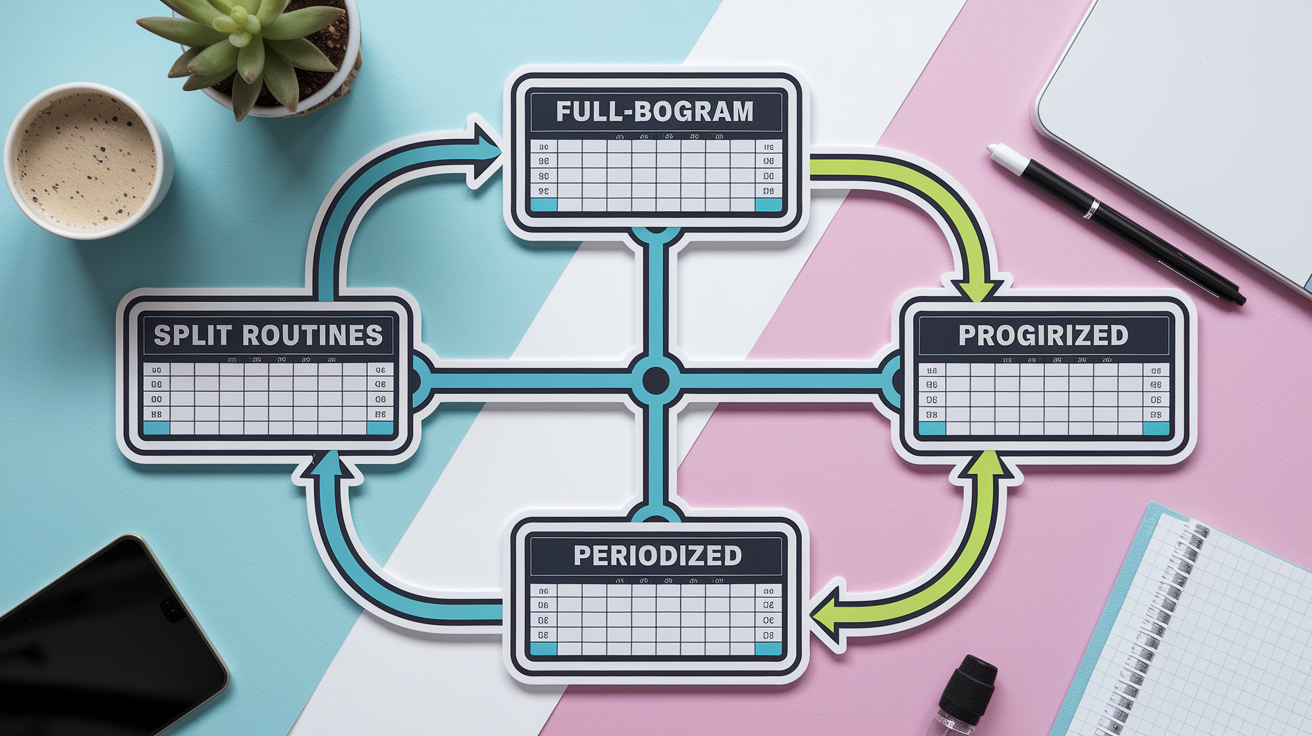
Progressive tracking works with any strength program that prescribes sets, reps, and regular increases in load or volume. The template structure supports full-body routines, split programs, and periodized cycles. You log what your program tells you to do, and the template shows whether you did more this week than last week.
Full-Body Programs
Full-body routines are the simplest to track. Three days per week, compound lifts, consistent rep ranges. Each session targets the same major movements, so you compare Monday’s squat to Thursday’s squat and see whether reps or weight went up. The Progressive Overload Workout Plan uses this structure: 3 sets per exercise, 5 workouts per week, 2 rest days, and weekly weight increases of 2 to 5 percent. Enter your squat, bench, row, and accessory work in the template once per training day, and review your weekly volume totals at the end of each week.
Split Routines
Upper-lower splits and push-pull-legs programs train each muscle group two or more times per week. Track each session separately in the template. If Monday is upper body and Thursday is upper body again, log both sessions under the same exercise names and compare them week over week. For a push-pull-legs split, create three tabs or three sections: one for push day, one for pull day, one for legs. Sum the weekly volume for each muscle group across all sessions. That total-volume number is your progress signal.
Periodized Programs
If your program includes planned deloads every four to six weeks, add a deload flag column to your template. Mark the week, cut your sets in half, keep the same working weights, and stop well short of failure. When you return to normal training, your logged weights and volumes pick up where the last hard week left off. For block periodization (alternating hypertrophy blocks with strength blocks), duplicate the template and adjust the rep ranges and rest times for each phase. Your hypertrophy block might show 10 to 12 reps with 90-second rest, while your strength block shows 4 to 6 reps with 3-minute rest. Both use the same logging columns.
Optional Features: Charts, Volume Calculators, and Mobile Use

Excel and Google Sheets versions include auto-calculated fields for weekly training volume and estimated 1RM. The volume formula (sets × reps × weight) runs in the background, so when you enter your reps and weight, the sheet updates your weekly total instantly. Estimated 1RM uses standard formulas (like the Epley or Brzycki equations) to predict your max from submaximal sets. These numbers help you spot plateaus before they become problems.
Built-in charts turn your log into visual progress. A line graph that plots weekly volume for your squat over 12 weeks shows whether the trend is rising, flat, or dropping. A bar chart comparing this month’s estimated 1RM to last month’s confirms that your strength is moving in the right direction. If you use Google Sheets, the charts update automatically every time you log a session. In Excel, refresh the chart range once per week.
Mobile editing makes logging faster. Open the Google Sheets app on your phone, enter your set data at the rack, and the cloud saves it before you finish your rest period. Some lifters add the PDF to their phone’s home screen (open in Safari, tap Share, tap Add to Home Screen) and fill it out session by session. For offline use, download the Excel file to your phone and sync it later.
Optional feature benefits:
- Auto-charts See progress trends at a glance without manual graphing.
- Volume calculators Eliminate mental math. Total weekly volume updates in real time.
- Mobile access Log at the rack, review at home, keep all sessions in one synced file.
Final Words
Grab the Excel, Google Sheets, or PDF templates and start logging today. They’re set up to record weight, sets, reps, and rest so you can apply progressive overload without guessing.
Use the how-to notes to track daily and weekly volume, tweak the layout for hypertrophy or strength, and slot the templates into full-body, split, or periodized plans. Turn on charts and calculators if you want visual progress.
If you want a simple next step, download tracking templates for progressive strength programs and fill one session this week. Small, steady tracking leads to real gains. You got this.
FAQ
Q: How do I download the templates (Excel, Google Sheets, PDF)?
A: To download the Excel, Google Sheets, or PDF templates, go to the Workout Tracking Template page for Excel/PDF and the Google Sheets Workout Templates link for the Sheets version.
Q: Which file type should I choose: Excel, Google Sheets, or PDF?
A: Choosing a file depends on how you use it: Excel works offline and handles formulas, Google Sheets is best for sharing and auto-calculations, and PDF is ideal for printing and pen-and-paper logs.
Q: How do I use the templates for progressive overload and what metrics should I track?
A: Use the templates to log weight, sets, reps, weekly volume, and rest times. Track one variable (weight, reps, or sets) to increase slowly each week and note consistency for steady strength gains.
Q: How can I customize the templates for hypertrophy, strength, endurance, or different equipment?
A: You can customize the templates by changing rep ranges, set counts, tempo, and progression rules. Swap exercises for available equipment and create separate sheets for hypertrophy, strength, or endurance cycles.
Q: Are these templates compatible with programs like 5/3/1, Starting Strength, full-body, or split routines?
A: The templates work with 5/3/1, Starting Strength, full-body, and split programs. Log main lifts, track separate sheets per cycle or body part, and match progression rules to each program’s tempo and intensification.
Q: How do the templates support periodization, deloads, and intensification blocks?
A: Templates support periodization by letting you mark deload weeks, set cycle goals, and adjust targets for intensification blocks. Use notes or columns to record perceived effort and planned progression changes.
Q: What optional features are available, like charts, volume calculators, and mobile use?
A: Optional features include progress charts, automatic volume calculators, and mobile editing for Google Sheets. Enable these to visualize trends, cut manual math, and update workouts quickly between sets.
Q: Can I print the templates and use pen-and-paper in the gym?
A: You can print the PDF templates and use them with a pen in the gym. Print per cycle, bring a clipboard, and transfer key numbers later into your digital sheet for backups and analysis.