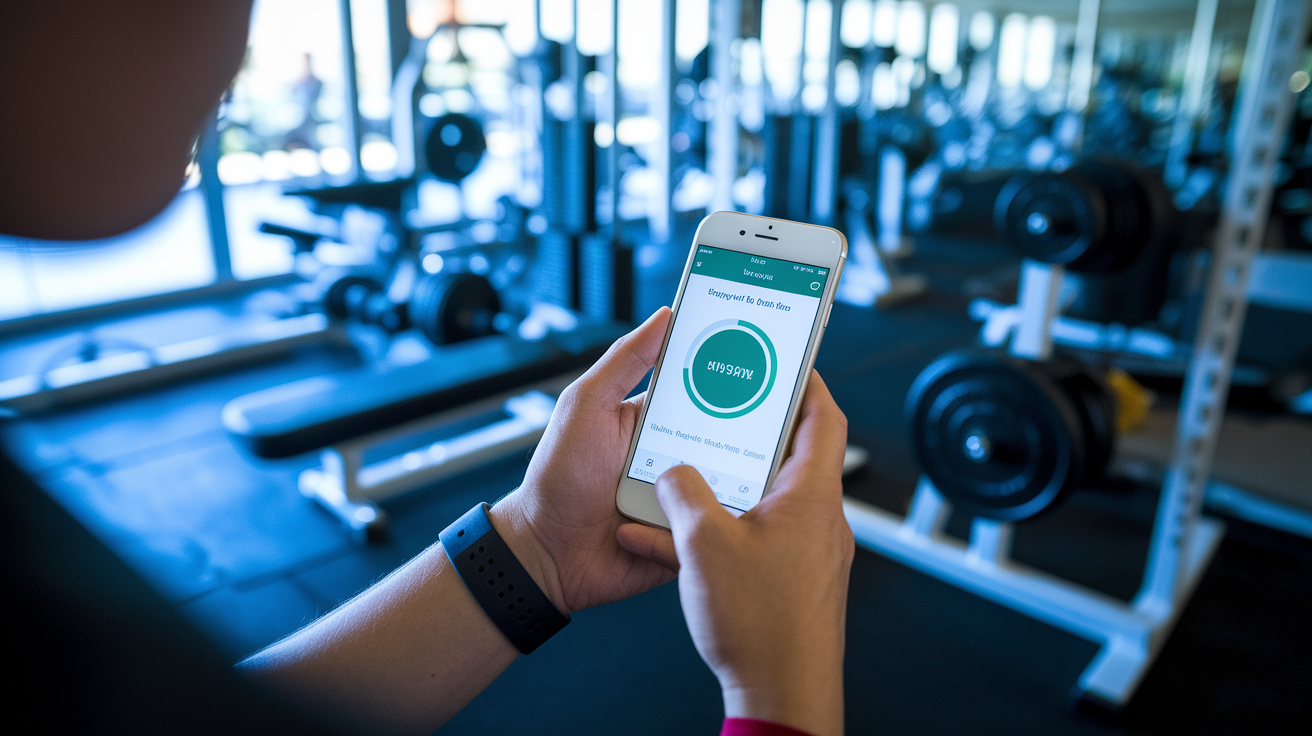

Think an app can replace a coach for getting stronger?
Some can help more than others, and choosing the wrong one wastes time and money.
This post compares the top fitness apps for strength training, from free tools like Nike Training Club to premium platforms with human coaches, and breaks down who each is best for, what features matter, and how pricing stacks up.
If you want clear progression, simple tech, and a plan that fits your gear and schedule, this comparison cuts through the noise so you can pick the right platform and actually get stronger.
Top Strength-Focused Fitness Apps That Meet Your Training Goals
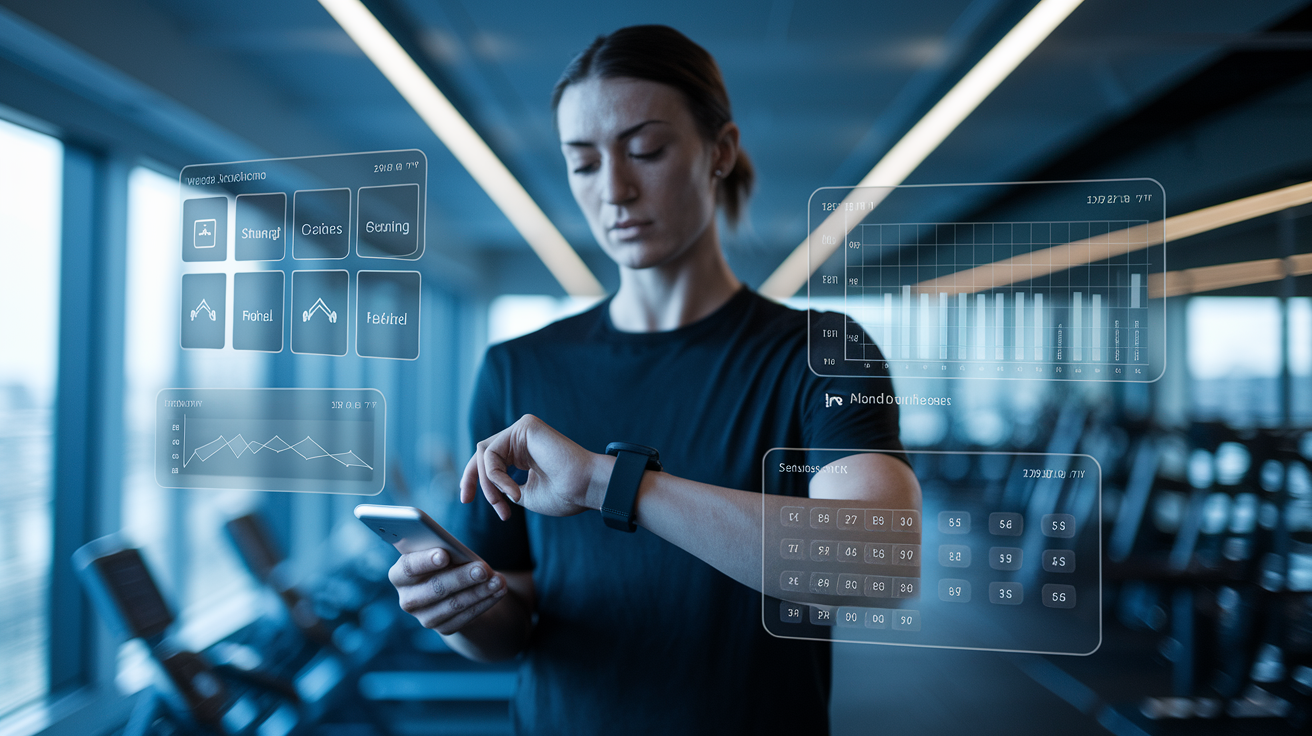
Edge is your best bet for integrated strength and cardio with actual human coaches, progressive training blocks, and Apple Watch sync. You’re looking at £19.99/month with a 7-day trial.
Fitbod runs on AI and gives you 900+ exercises, muscle fatigue tracking, and smart session planning based on what equipment you’ve got. Around £9.99/month.
Hevy offers a solid free strength tracker with progressive overload tools and your full lift history. Pro runs from £9.99/month.
Peloton has a massive content library. Strength classes, bootcamps, multi-week programs. £12.99 to £24/month depending on what you need.
Freeletics focuses on bodyweight work with AI-driven sessions that mix strength and cardio. Starts at £12.99/month.
Nike Training Club delivers professional instruction across strength, HIIT, and mobility. Completely free.
Most top strength apps work on both iOS and Android. They sync to Apple Health or Google Fit, so if you’re wearing a smartwatch, you’ll get real-time metrics, rest timers, or pace cues during your conditioning work. Some apps need specific hardware (like Peloton equipment) to unlock everything, but most just need your phone or tablet.
Pricing depends on whether you want basic logging or full coaching and periodization. Free options like Nike Training Club and the basic Hevy version give you professional-quality instruction and tracking. Mid-range apps like Fitbod and Freeletics add AI personalization for around £10 to £13 monthly. Premium platforms like Edge and Peloton sit at £20 to £24 per month and include structured periodization, human coaching, or huge on-demand libraries with weekly updates.
Beginner apps focus on guided tutorials, simple full-body routines, and clear video demos to build your confidence and fix form issues early. Advanced platforms give you periodization, deload weeks, fatigue tracking, and detailed analytics for heavy compound lifts and multi-phase blocks. New to lifting? Look for easy onboarding and equipment-swap options. Been at it a while? You want progressive overload automation, 1RM calculators, and programs that adjust based on what you’re actually logging.
Key Features Every Strength Training App Should Include
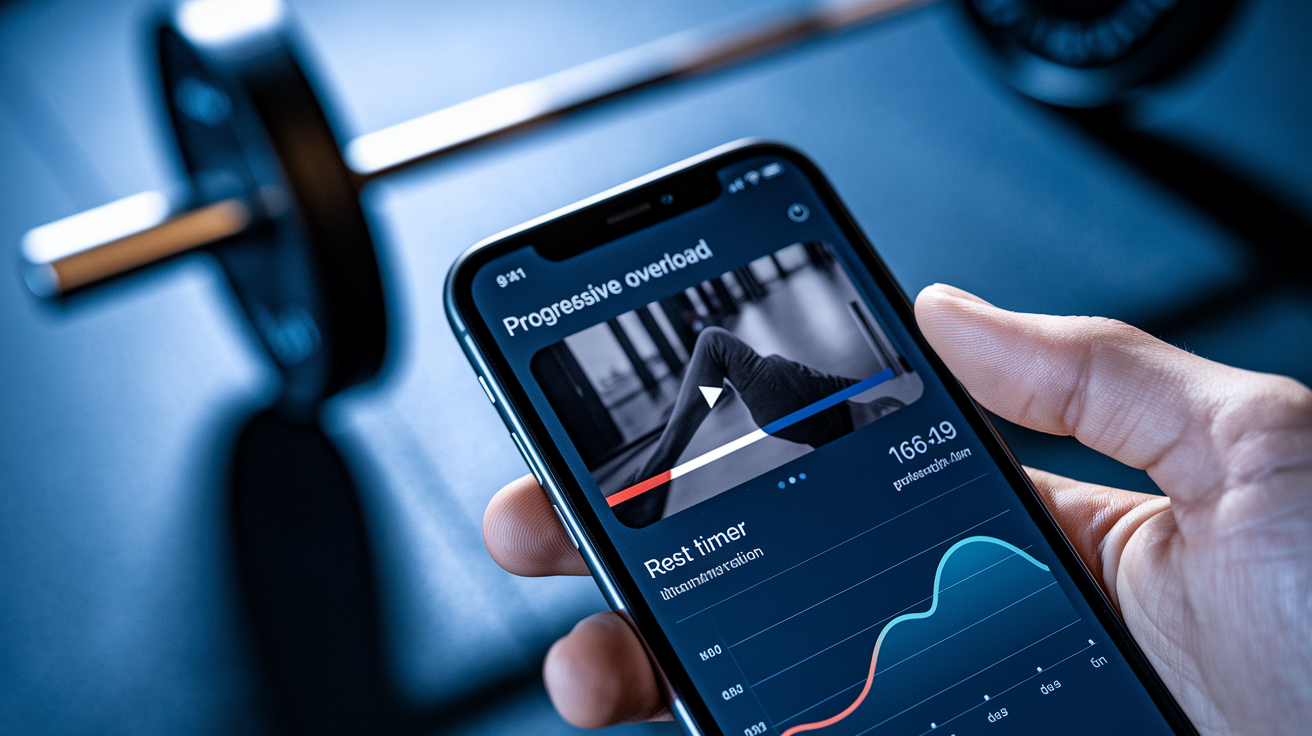
Good strength apps share five core features that separate real tools from glorified workout diaries. Progressive overload tracking isn’t optional. Your app should log weights, reps, and sets every session, then tell you when to add five pounds or another set. Without automatic progression cues, you’re guessing. And guessing slows results while increasing injury risk.
A deep exercise library with video demos means you can learn proper technique for squats, deadlifts, presses, and rows, plus accessory movements for specific muscle groups. Multiple camera angles, breathing cues, bracing tips, common mistakes. Real-time analytics like rest timers, volume tracking, and session summaries keep you consistent and help you spot patterns. Custom workout builders let you adjust sessions when your schedule or energy shifts mid-week.
- Progressive overload automation tells you when to add weight or reps based on what you’ve logged, so you don’t plateau or push too hard too fast.
- Rep and set tracking with history saves every lift. You can compare this week to last month and prove you’re moving forward.
- Video demonstrations and form cues show setup, range of motion, and breathing for every exercise.
- Custom workout creation lets you swap exercises, adjust volume, or build new sessions when the default plan doesn’t match your equipment or goals.
- Performance analytics and summaries give you weekly volume, personal bests, muscle group balance, and session stats so your data actually means something.
Comparing Strength Training App Pricing, Subscriptions, and Free Options
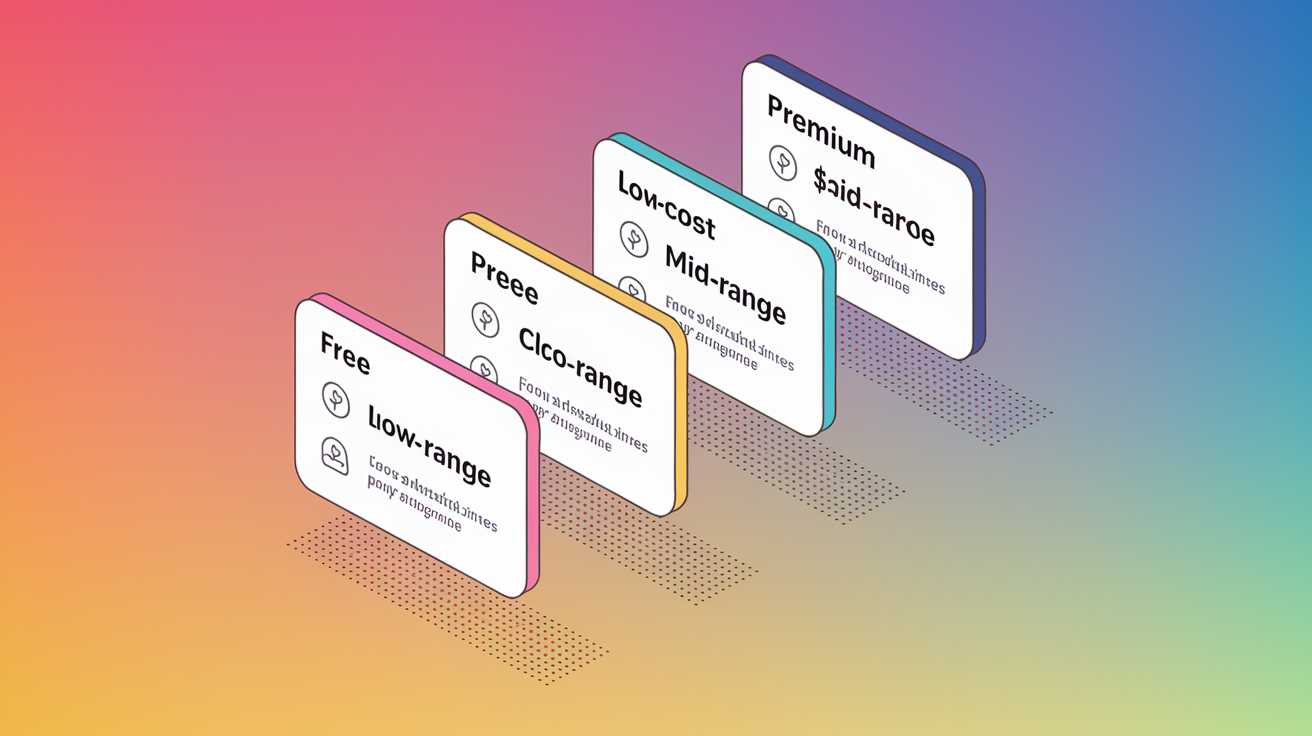
Subscription costs match the level of coaching, personalization, and content you get. Free apps give you basic logging and instructional videos but rarely include adaptive programming or structured periodization. Low-cost options add AI session planning and bigger exercise libraries. Premium tiers bundle human coaching, race-specific cardio plans, and recovery management across multiple training styles.
| Tier | Typical Price | What You Get |
|---|---|---|
| Free | £0 | Workout logging, video tutorials, basic tracking, no adaptive programming |
| Low-Cost | £6.99–£9.99/month | AI exercise selection, progressive overload tools, larger libraries, limited recovery features |
| Mid-Range | £10–£13/month | Bodyweight or gym programs, multi-week plans, equipment alternatives, app-only content |
| Premium | £19.99–£24/month | Human coaches, integrated strength+cardio, periodization, deload weeks, wearable sync, massive content libraries |
Most paid apps offer seven-day free trials. That’s enough time to test progression logic, check exercise quality, and confirm the interface makes sense during real workouts. If you’re managing both strength and cardio, integrated platforms at the premium tier often beat juggling two separate subscriptions and manually coordinating recovery.
Strength Training Apps for Different Fitness Levels and Goals
Your training age and primary goal should drive which app you pick. Someone lifting for the first time needs clear instruction, simple routines, and confidence-building feedback. An experienced lifter chasing a new squat PR needs periodized blocks, fatigue management, and detailed load tracking. Apps marketed as beginner-friendly usually limit exercise variety and provide extra coaching cues. Advanced platforms assume you understand compound movement patterns and focus on optimizing volume, intensity, and recovery.
Goal-specific programming varies. If you’re after hypertrophy, find apps that program higher rep ranges, multiple sets per muscle group, and accessory work for lagging areas. Strength-focused apps emphasize lower reps with heavier loads, longer rest periods, and compound lifts as the backbone of every session. Hybrid apps blend strength and conditioning with shorter, time-efficient workouts that combine resistance exercises with cardio finishers. Good for balancing muscle gain with endurance goals or fat loss.
Apps targeting body recomposition (simultaneous muscle gain and fat loss) usually include nutrition tracking, macro breakdowns, and guidance on fueling workouts without overshooting calorie targets. These platforms treat training and diet as connected systems, adjusting session intensity based on your energy availability and recovery status. If your goal is purely strength or purely endurance, a specialized app will beat a general fitness platform.
Beginner Strength Training Apps
Beginner apps provide guided onboarding that checks your fitness level, available equipment, and weekly schedule before generating your first program. Expect full-body routines two to three times per week, emphasizing foundational movements like goblet squats, dumbbell presses, and bodyweight rows. Video cues walk you through setup, execution, and common mistakes. Like letting your knees cave during squats or arching your back on the bench press. You build correct patterns before adding serious load.
Intermediate and Advanced Apps
Intermediate and advanced platforms introduce periodization, dividing training into distinct phases that cycle through hypertrophy blocks, strength blocks, and deload weeks to prevent overtraining and optimize adaptation. Fatigue tracking monitors muscle soreness or performance drops across sessions, adjusting volume or intensity when you log a poor workout or report high stress. Heavy lift analytics include one-rep-max estimates, volume load calculations, and session RPE logging, giving you granular feedback on whether your program’s working or stalling. Custom programming tools let you design multi-week mesocycles, swap exercises mid-block, or adjust rep schemes based on specific weaknesses.
Equipment-Based Features in Strength Training Apps
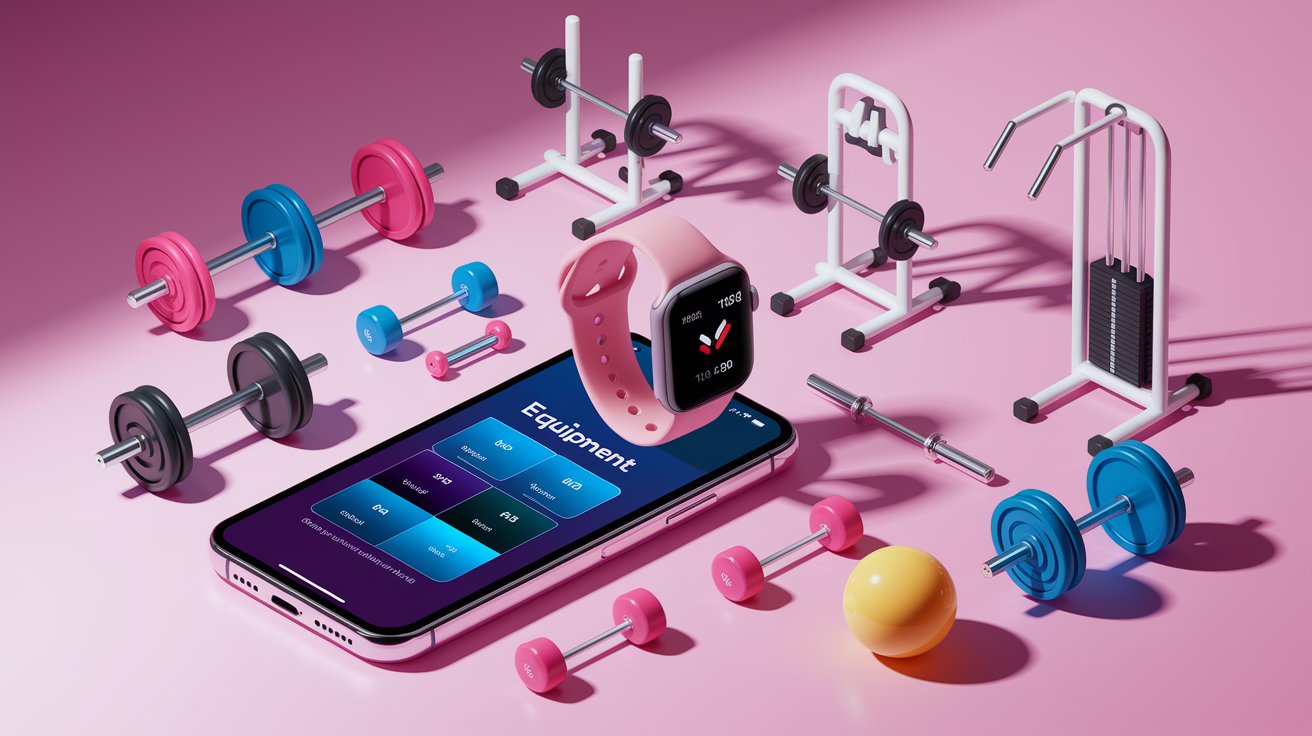
Most strength apps let you filter workouts by available equipment, so you only see sessions you can actually complete with the dumbbells, barbell, or resistance bands in your home gym or commercial facility. Hybrid programming is common. Apps generate one version of a workout using free weights and machines, then offer bodyweight or band alternatives for the same movement patterns when you’re traveling or training at home. This keeps your plan consistent even when your environment changes.
Equipment-aware session planning adjusts not just exercise selection but also set and rep schemes to match the tools you have. A barbell back squat programmed for four sets of five reps might swap to a goblet squat for three sets of twelve if you only log dumbbells, preserving the training stimulus while respecting load limitations. Apps with smaller equipment libraries tend to favor bodyweight progressions. Platforms aimed at serious lifters assume access to a full rack, bench, and plate-loaded bars.
- Free weights (dumbbells, barbells, kettlebells) are best for compound lifts and progressive overload. Most apps prioritize these for strength programming.
- Machines and cables work well for isolation and safer alternatives when you’re learning new movement patterns. Common in gym-based app programming.
- Bodyweight only requires zero equipment. Apps scale difficulty through tempo, leverage, or volume rather than external load.
- Resistance bands and loops are portable and joint-friendly. Often programmed for warm-ups, accessory work, or travel-friendly strength sessions.
- Mixed equipment (sliders, stability balls, benches) adds variety and targets stabilizer muscles. Typically found in hybrid strength-cardio or Pilates sessions.
Tracking Strength Gains and Performance Data Inside Fitness Apps
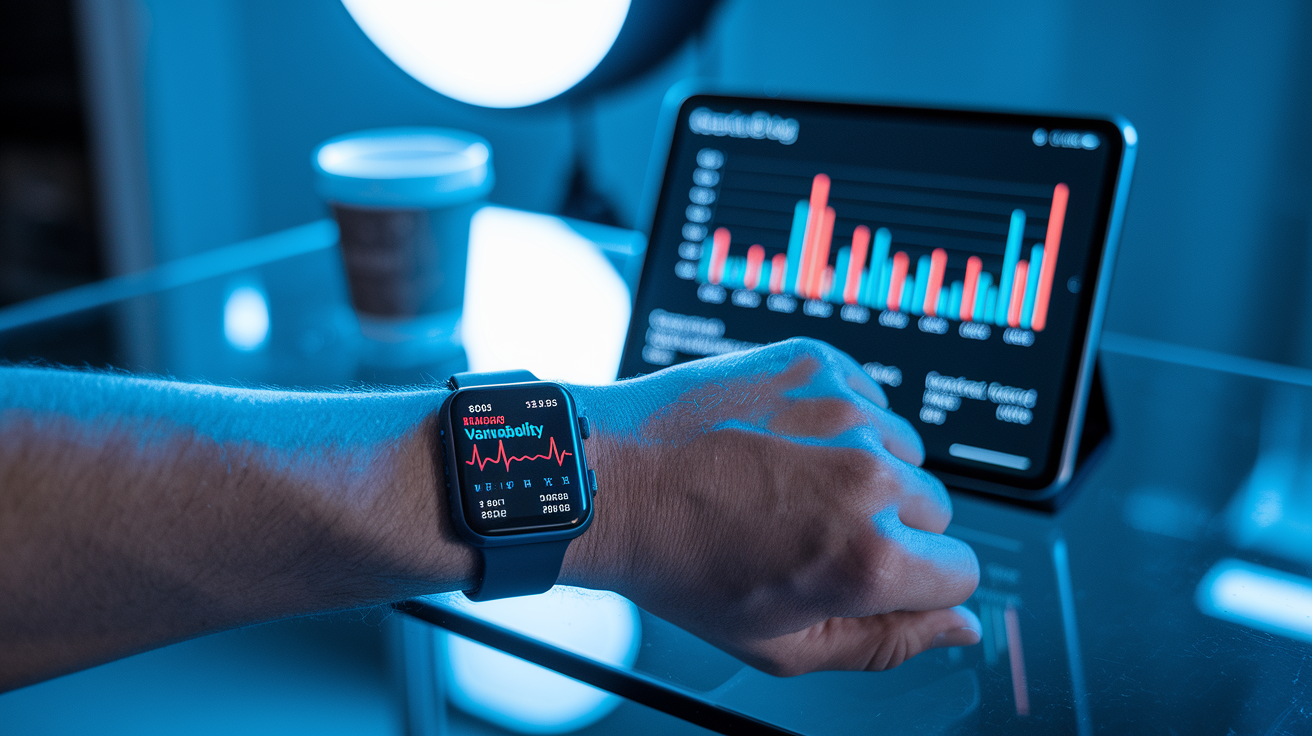
Performance tracking starts with basic session logging. Recording the weight, reps, and sets for every exercise. But advanced apps turn that raw data into something you can use. Volume load calculations multiply sets × reps × weight for each movement, giving you a single number that reflects total training stress across a week or mesocycle. If your volume climbs steadily over four weeks then drops during a deload, the app confirms your periodization’s working.
One-rep-max estimates use formulas (like Epley or Brzycki) to predict the heaviest weight you could lift for a single rep, based on your logged performance at higher rep ranges. These estimates help you set realistic strength goals and compare progress across different exercises without testing your true 1RM every week. Apps that track muscle group balance show whether you’re programming enough posterior chain work to match your pressing volume, reducing the risk of imbalances that lead to injury or poor posture.
Wearable sync extends tracking beyond reps and weight. When your app connects to Apple Health, Google Fit, or a smartwatch, it can log heart rate during conditioning finishers, monitor recovery metrics like HRV, and confirm you’re hitting target intensity zones during cardio intervals. Photo logging and session notes let you attach visual progress checks or write quick reflections about how a workout felt, turning your app into a complete training diary that captures both numbers and context.
| Metric | What It Measures | Why It Matters |
|---|---|---|
| Volume Load | Total weight moved (sets × reps × load) per session or week | Confirms you’re increasing training stress over time; validates progressive overload |
| Estimated 1RM | Predicted maximum single-rep lift based on multi-rep performance | Tracks absolute strength gains without the fatigue and injury risk of testing true maxes |
| Personal Bests | Highest weight, most reps, or fastest time achieved for each exercise | Provides motivation and proof of progress; highlights which lifts are improving fastest |
Choosing the Best App for Your Strength Training Needs
Start by defining your primary goal. Whether you want to build maximal strength, add muscle size, improve conditioning, or train for a specific event like a powerlifting meet or obstacle race. Apps built for hypertrophy will program higher volume and moderate loads. Strength-focused platforms emphasize heavy compound lifts with longer rest periods and lower rep ranges. If you’re juggling multiple goals, integrated apps that manage both resistance training and cardio will prevent conflicting programming and overtraining.
Be honest about your experience level. Beginners get the most from apps with extensive video libraries, simple full-body routines, and guided onboarding that explains why each exercise appears in the plan. Intermediate and advanced lifters should look for apps offering periodization, deload weeks, fatigue tracking, and custom program builders that let you fine-tune volume and intensity based on your specific weaknesses or recovery capacity.
- Define your primary goal. Strength, hypertrophy, endurance, or hybrid training. Choose an app that specializes in your focus rather than a general fitness platform.
- Match the app to your experience level. Beginners need more coaching and simpler plans. Advanced lifters require periodization, analytics, and custom programming tools.
- Confirm equipment compatibility. Verify the app supports the tools you own (barbell, dumbbells, bands, bodyweight) and offers swap options for missing equipment.
- Decide on coaching style. AI-driven apps adapt automatically based on logged data. Human-coached platforms provide accountability and can answer form questions or adjust plans mid-block.
Final Words
You’ve just run through the top strength-first apps, the must-have features, pricing tiers, level-based picks, equipment options, and how tracking works.
Use the ranking, feature checklist, and pricing table to match an app to your goals and gear. Try a free trial, log your lifts, and lean on video cues when you need them.
Pick one and stick with it for a few weeks. Fitness apps for strength training make steady progress easy to track. Small, steady wins add up.
FAQ
Q: What is the best fitness app for strength training?
A: The best fitness app for strength training depends on your goals and level; top picks include Fitbod for AI-led programs, Hevy for simple logging, Freeletics for bodyweight, and Peloton Strength for guided classes.
Q: What is the 3-3-3 rule for workout?
A: The 3-3-3 rule for workout is doing three sets of three reps for a lift, then adding weight once you can complete all three sets and three reps with solid form.
Q: What is the best exercise app for perimenopause?
A: The best exercise app for perimenopause prioritizes strength, adjustable intensity, and recovery guidance; choose apps with progressive strength plans like Fitbod or Peloton Strength plus sleep and recovery tracking to manage symptoms.
Q: Is 30 minutes of strength training a day enough to lose weight?
A: Thirty minutes of strength training a day can be enough to lose weight when workouts are consistent and intense, paired with a calorie-aware diet and extra daily movement or cardio.